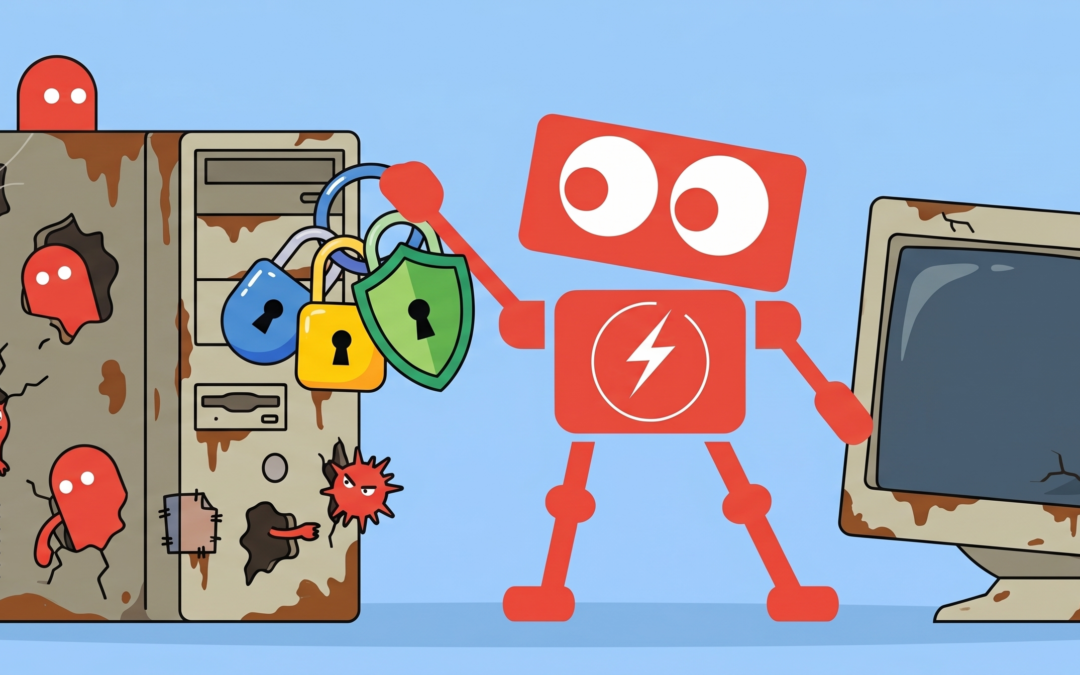
A computer can still turn on every morning, open email, and run familiar business applications while quietly becoming a security liability.
That is what makes aging technology easy to overlook. Business leaders often replace equipment when it becomes noticeably slow or unreliable. Cybersecurity risk, however, can increase long before a device completely stops working.
Old hardware may no longer support current operating systems, modern security features, or the software updates needed to protect it. Over time, the gap between what the business uses and what current security standards expect becomes wider.
Understanding why old hardware is a cybersecurity risk helps business leaders make better replacement decisions. The goal is not to replace every computer on a rigid schedule. It is to recognize when an aging device is creating more risk than value.
Old Hardware Eventually Loses Software Support
Most business devices depend on several layers of software. These include the operating system, device drivers, security tools, and business applications.
As hardware ages, it may no longer meet the requirements for newer versions of that software. The computer might continue running an older operating system, but the manufacturer may stop providing security updates for it.
Security updates are important because researchers and criminals regularly discover new weaknesses in widely used technology. When a supported system has a known vulnerability, the software provider can develop and distribute a correction. When support has ended, that correction may never arrive.
This creates a practical problem for businesses. A device may appear functional while running software with known security gaps.
For example, an employee might use an older desktop only for accounting tasks. Since the computer is not used heavily, replacing it may seem unnecessary. However, if that computer stores financial records, connects to shared files, or has access to company email, a weakness on that single device could expose much more than the computer itself.
The cybersecurity risk of unsupported hardware is not limited to the device. It can affect every system the device can reach.
Aging Devices May Lack Modern Security Features
Cybersecurity is not handled by software alone. Newer computers often include physical components that support stronger forms of protection.
These components can help verify that the computer starts securely, protect encryption keys, and prevent unauthorized changes during startup. They can also work with the operating system to protect login credentials and sensitive information.
Older devices may not include these capabilities. In some cases, the features exist but are too limited to support current security requirements.
This does not mean every older computer is automatically unsafe. It does mean that security teams may have fewer tools available to protect it.
Imagine two employees who use similar applications and access the same company data. One works from a newer computer with current security protections. The other uses an older computer that cannot support the latest operating system or hardware-based security controls.
From the employee’s perspective, the experience may seem almost identical. From a cybersecurity perspective, the older device may be much harder to secure.
This is one reason computer replacement should be considered part of a business security strategy, not simply an office equipment decision.
Old Hardware Can Create Visibility Gaps
Businesses cannot protect what they cannot properly monitor.
Modern security software is designed to watch for unusual behavior, suspicious files, unauthorized access, and other warning signs. These tools need enough processing power, memory, and system compatibility to operate effectively.
On aging computers, security tools may run slowly, lose certain features, or stop supporting the device altogether. Some businesses respond by installing older versions of security software or reducing how much monitoring occurs on the computer.
That may keep the device usable, but it also creates a blind spot.
A device that is not fully visible to the business can become an easier place for malicious activity to remain unnoticed. An attacker may use it to collect passwords, access shared folders, or move between systems.
These gaps can also complicate incident response. If a security alert occurs, the business needs reliable information about what happened, which files were accessed, and whether the activity spread. Older systems may not provide the same level of detail as current technology.
This is particularly important for companies with remote employees, multiple offices, or a mix of computers purchased at different times. Without a clear hardware inventory, unsupported devices can remain connected long after anyone realizes they are outdated.
Performance Problems Can Lead to Risky Workarounds
Old hardware often changes how employees work.
A slow computer may take several minutes to start, struggle during video meetings, or freeze when multiple applications are open. Employees naturally look for ways to complete their work faster.
They may move files to a personal device, use an unapproved cloud service, disable a security feature, or avoid restarting the computer because updates take too long. These actions are usually not malicious. They are attempts to work around technology that has become an obstacle.
That is where an equipment problem becomes a security problem.
For example, an employee may email a sensitive document to a personal account because the company computer cannot reliably connect to a shared folder. Another employee might use a personal laptop during an important deadline because the assigned device is too slow.
Each workaround moves business information outside the systems the company manages and monitors.
Reliable hardware supports better security habits. When approved tools work smoothly, employees have fewer reasons to find alternatives.
A Hardware Lifecycle Creates More Predictable Security
Businesses do not need to wait for computers to fail before replacing them. A more effective approach is to manage equipment through a planned hardware lifecycle.
A hardware lifecycle is a simple process for tracking when devices were purchased, what they support, how they are performing, and when they should be evaluated for replacement.
Age is one factor, but it should not be the only one. Business leaders should also consider whether the device:
1. Supports a currently maintained operating system.
2. Receives security and driver updates.
3. Can run the company’s required security tools.
4. Provides acceptable performance for the employee’s role.
5. Can support encryption and current login protections.
6. Has a reliable warranty or repair path.
A five-year-old computer used for basic tasks may still meet these requirements. A newer device with limited specifications or discontinued components may not.
The decision should be based on supportability, security, performance, and business impact.
A consistent evaluation process also helps reduce surprise expenses and rushed replacements. Instead of discovering that several critical computers are unsupported at the same time, the business can replace equipment gradually and intentionally.
How Often Should Business Computers Be Replaced?
There is no universal replacement schedule for every company. The right timing depends on the type of device, employee responsibilities, software requirements, and the sensitivity of the information being accessed.
Many businesses benefit from reviewing computers once they reach several years of service. The review should happen earlier when a device cannot install current updates, fails frequently, or no longer supports required security controls.
Servers, network equipment, and other infrastructure may follow different timelines. These systems can affect the entire organization, so their support status should be reviewed carefully.
The most important question is not simply, “Does this device still work?”
A better question is, “Can this device still be securely supported for the work we need it to perform?”
Old Hardware Should Be Evaluated Before It Becomes a Problem
Old hardware does not become dangerous on a specific birthday. Risk grows gradually as updates stop, software requirements change, security protections advance, and performance declines.
That gradual change is why outdated devices can remain in businesses for so long. They continue working well enough to avoid attention, even as they become harder to maintain and protect.
A clear inventory and regular hardware assessment can reveal which devices remain suitable, which need closer monitoring, and which should be replaced. This gives business leaders a practical way to improve cybersecurity without treating every aging computer as an emergency.
An optional next step is to review the age, operating system support, security compatibility, and business role of each device. That simple evaluation can provide a much clearer picture of where old hardware may be creating unnecessary cybersecurity risk.