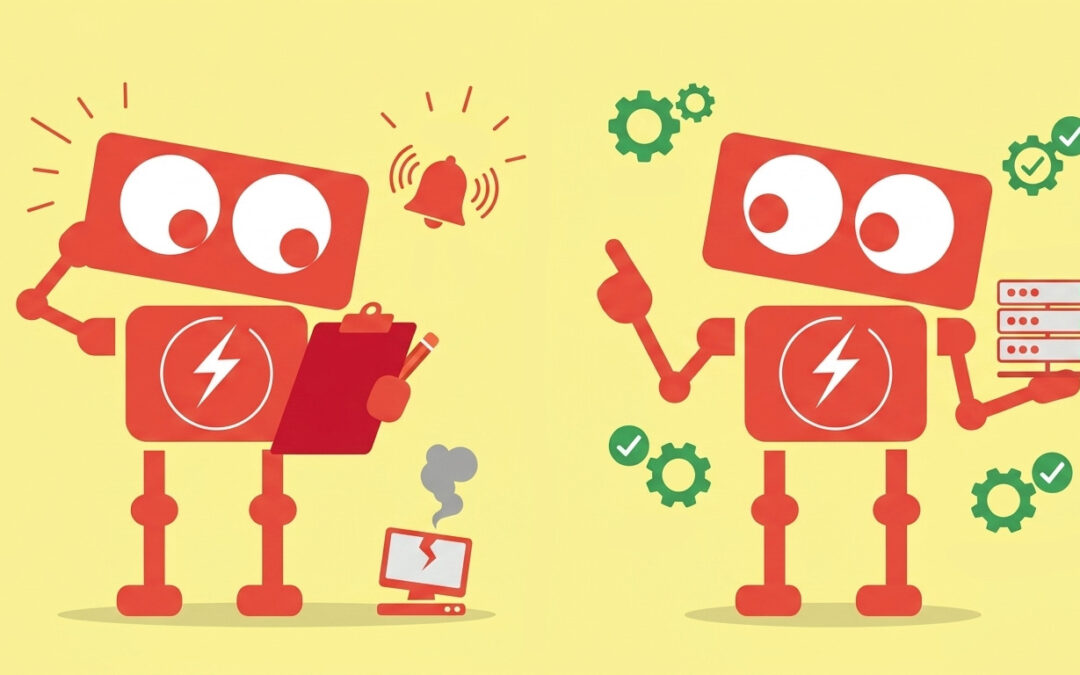
A server slows down on a Tuesday morning. Employees notice it first. Files take longer to open. Applications hesitate. Eventually, someone submits a support request. By the time the issue is addressed, productivity has already taken a hit.
Many businesses assume their IT systems are being “managed” because someone is watching them. In reality, what they often have is monitoring, not management. The distinction matters more than it seems, especially as operations become more dependent on technology.
Understanding the difference between IT monitoring and IT management helps business leaders make better decisions about risk, efficiency, and long term stability.
Monitoring Tells You Something Is Wrong. Management Works to Prevent It.
IT monitoring is fundamentally reactive. It focuses on visibility. Systems are observed, alerts are generated, and someone is notified when something crosses a predefined threshold.
For example, a monitoring system might alert when a server’s CPU usage exceeds a certain percentage, or when a backup fails. This is valuable. It ensures that issues do not go unnoticed.
However, monitoring alone does not address why the issue occurred or how to prevent it from happening again.
IT management takes a broader, proactive approach. It looks beyond alerts and focuses on system health over time. Instead of waiting for CPU usage to spike, management involves analyzing trends, adjusting workloads, and optimizing configurations before performance degrades.
In practical terms, monitoring helps you respond. Management helps you avoid the situation altogether.
Monitoring Is Event Based. Management Is Strategy Driven.
Monitoring operates on events. A condition is met, an alert is triggered, and a response follows. This works well for immediate issues but does not provide a roadmap for improvement.
Management, on the other hand, is tied to strategy. It aligns IT systems with business goals.
Consider a growing company that adds new employees every quarter. Monitoring might alert when the storage capacity is nearly full. Management anticipates growth and plans infrastructure changes in advance. This could involve scaling cloud resources, restructuring file systems, or implementing policies to manage data more effectively.
The difference is subtle but important. Monitoring reacts to what just happened. Management prepares for what is likely to happen next.
Monitoring Focuses on Systems. Management Focuses on Business Impact.
Monitoring tools are designed to track technical metrics. Uptime, latency, disk usage, and network activity are all measurable and important.
But business leaders rarely make decisions based on metrics alone. They care about outcomes. Can employees work efficiently? Are customers experiencing delays? Is sensitive data protected?
IT management connects technical performance to business impact. It translates system health into operational reality.
For example, a monitored system might show that an application is online. From a technical perspective, everything looks fine. But if users are experiencing slow response times, the business impact is still negative.
Management looks deeper. It evaluates performance from the user’s perspective, identifies bottlenecks, and implements improvements that support productivity.
This shift in focus ensures that IT supports the business, rather than simply maintaining itself.
Monitoring Generates Alerts. Management Builds Processes.
Alerts are central to monitoring. They notify teams when something requires attention. Without a structured process, alerts can quickly become overwhelming.
Many organizations experience alert fatigue. Too many notifications, too little context, and inconsistent responses lead to missed issues or delayed action.
IT management introduces structure. It defines how alerts are handled, who is responsible, and what steps should be taken. It also refines the monitoring system itself, reducing unnecessary alerts and improving signal quality.
For example, instead of receiving dozens of alerts for minor fluctuations, a managed environment might consolidate them into meaningful insights. This allows teams to focus on what actually matters.
Management also includes regular maintenance tasks. Patching systems, reviewing access controls, testing backups, and updating configurations are all part of keeping IT environments stable.
Monitoring might tell you a backup failed. Management ensures backups are consistently tested and reliable.
Monitoring Is a Tool. Management Is an Ongoing Discipline.
It is easy to think of monitoring as a complete solution because it often comes in the form of software. Dashboards, alerts, and reports create a sense of control.
But tools alone do not create outcomes.
IT management is not a product. It is an ongoing discipline that combines tools, processes, and expertise. It requires continuous attention, adjustment, and alignment with business needs.
This includes evaluating new risks, adapting to changes in technology, and ensuring that systems remain secure and efficient as the organization evolves.
For small and mid-sized businesses, this distinction is especially important. Resources are limited, and technology decisions carry real consequences. Relying on monitoring alone can create blind spots that only become visible when something goes wrong.
Common Questions Business Owners Ask
Is IT monitoring enough for a small business?
Monitoring is a useful starting point, but it is rarely sufficient on its own. Small businesses often assume their environments are simple enough to manage reactively. In reality, even modest systems can become complex as applications, users, and data grow.
Without management, small issues can compound over time and lead to larger disruptions.
What does IT management include beyond monitoring?
IT management typically includes proactive maintenance, security oversight, capacity planning, performance optimization, and policy enforcement. It also involves regular reviews to ensure systems align with business goals.
Monitoring is one component within this broader framework.
How can you tell if your IT is being managed or just monitored?
One practical way to evaluate this is to look at what happens between incidents. If most activity occurs only when something breaks, you are likely relying on monitoring.
If there are regular updates, performance improvements, security reviews, and planning discussions, you are seeing management in action.
Does IT management reduce downtime?
While no system can eliminate downtime entirely, effective management significantly reduces its frequency and impact. By addressing underlying causes and planning for growth, businesses can maintain more consistent operations.
Bringing It All Together
The difference between IT monitoring and IT management is not just technical. It is operational.
Monitoring provides visibility. It ensures that problems are seen. Management provides direction. It ensures that systems improve over time and support the business effectively.
For business leaders, this distinction offers clarity. It explains why some environments feel stable and predictable, while others seem to operate in a constant state of reaction.
When IT is managed, technology becomes a reliable foundation. Issues are less frequent, responses are more structured, and decisions are informed by a clear understanding of both systems and outcomes.
If you are evaluating your current approach, a simple step is to review how your systems are handled over time. Are you primarily responding to alerts, or are you actively shaping your environment to prevent them?
That perspective can reveal whether you are truly managing your IT or simply watching it.